
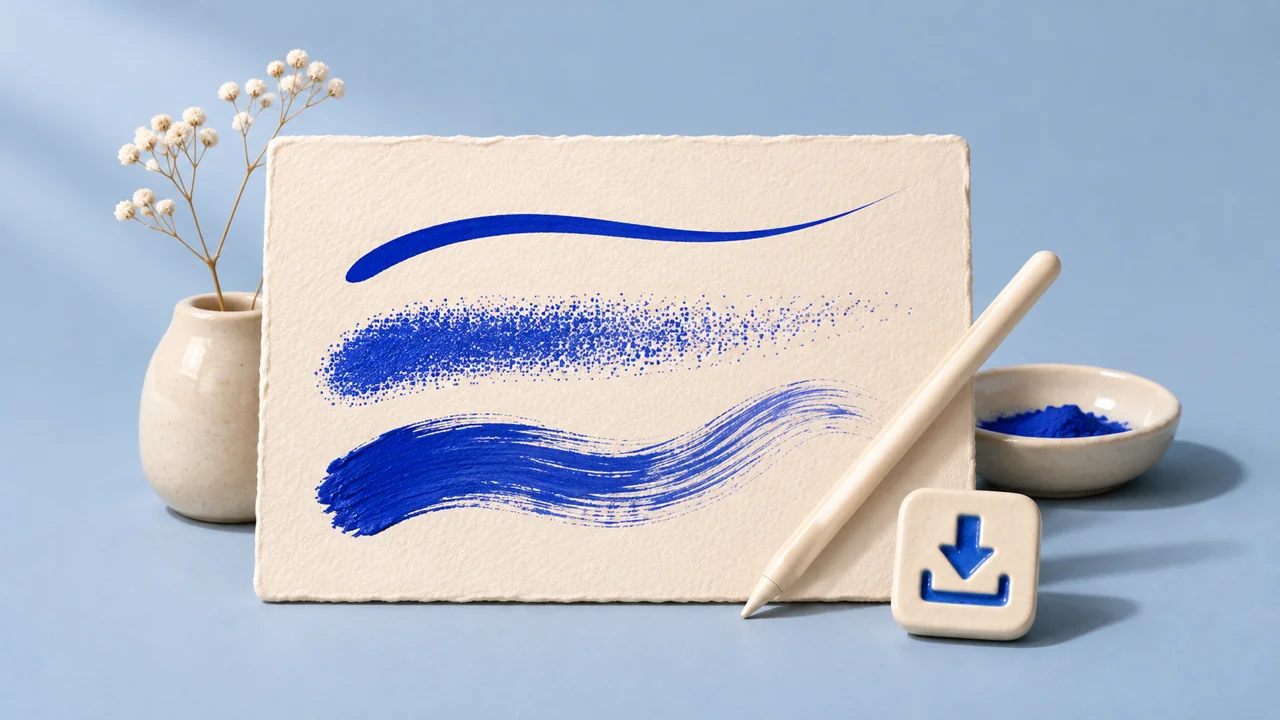
1. Export your custom brush or brush set from Procreate
In Procreate for iPad, open the Brush Library. Swipe left on an individual brush and choose Share to export a .brush file. For a custom brush set, tap the set twice and select Share, then save the .brushset file to Files. If your controls look different, use the handbook for your version. Procreate’s Brush Library handbook.
Put only the brushes you intend to sell in the set before exporting. Confirm you have permission to distribute the brushes and any third-party shapes, grains, or artwork you use in the pack. Make a separate swatch from the finished brushes to show buyers what each one does.
2. Package one ZIP with a clear starting point
For a fictional Studio Ink pack, the buyer would receive studio-ink-v1.zip. Keep the contents at one level so the buyer can find the brush file after opening the archive.
| File | What it gives the buyer |
|---|---|
Studio-Ink.brushset | One import for the three brushes. Name them consistently with the sales page. |
START-HERE.txt | The app version you tested, the file to import, the expected brush names, and where to get help. |
Swatches.png | A stroke from each brush so buyers can compare what they see on a blank canvas. |
Usage.txt | The actual permissions you offer for artwork made with the brushes, plus your terms for sharing the brush files. |
Use a standard ZIP without a password or additional ZIP files inside it. In Files on iPad, put everything in a folder, then touch and hold the folder and choose Compress. Try extracting your finished ZIP before uploading it. Apple’s guide to ZIP files on iPad.
Copy the buyer install instructions
Fill in your filenames, brush names, tested app version, and support details. Add the finished note to your ZIP.
3. List the brush pack and attach the ZIP
- In Genesize Studio, choose Add product → I already have a product → Files & digital downloads.
- Under Your content, attach your ZIP within the limits shown in the editor. Save the draft. Genesize accepts the ZIP for delivery. Direct
.brushand.brushsetuploads are unsupported. - On the product page, show swatches from the actual brushes. State the brush count, which Procreate app and version you tested, and whether the pack includes instructions. Mention any stylus requirements if your brushes rely on pressure or tilt.
- Open Review & sell → Preview buyer experience and check the files. Set up the sales page, connect Stripe for paid sales, then publish and copy the sales link.
After a confirmed payment, buyers can open their purchase, save the ZIP under Included downloads, and return from the private link in their receipt. Upload an existing product · See how buyer delivery works.
4. Test the exact download on an iPad
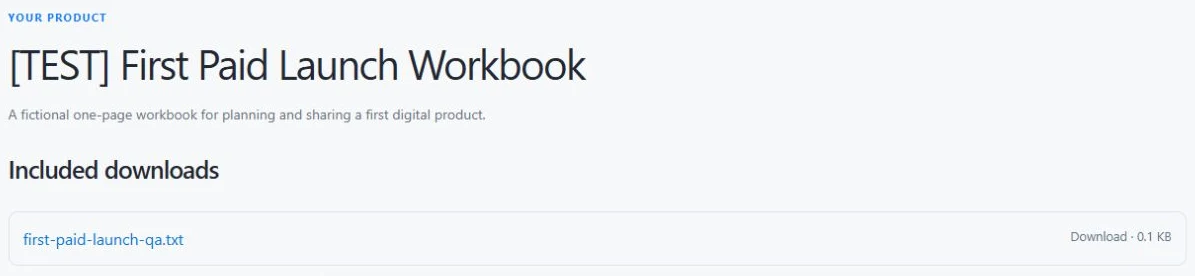
- Download the ZIP from Buyer Preview. Save it to Files and tap the ZIP to extract it. Open the new folder and check that every file from your listing is present.
- In Procreate, open Brushes, tap the add button, choose Import from Files, and pick the
.brushsetor.brushinside the extracted folder. - Find the imported set or brush. On a blank canvas, try every brush and compare the strokes with your swatch. Check pressure or tilt if you advertised it. Ask a tester who hasn’t installed your pack before to follow the instructions independently.
- Use a separate order test to check the confirmation and email access path. Reopen the download from the email in a fresh browser. Buyer Preview checks the files and presentation. Paid checkout requires its own test in a store configured for a Stripe sandbox.
The Studio Ink example should import as one set containing Fine Liner, Dry Ink, and Grain Shader. Replace those names with your own and check the exact count before publishing. Procreate’s instructions for importing brushes.
5. Troubleshoot downloads and brush imports
- The ZIP is missing from Files. Return to the order and save the download. Check the browser’s download location before downloading again.
- Procreate won’t open the ZIP. Extract it in Files first, then select the brush file inside the new folder. If the inner file is missing, check the ZIP you attached and replace it with a complete package.
- The brush imported, but the set is empty or in the wrong place. Check the current Brush Library and the Imported set. Compare against the file type and brush count you promised, then test a fresh export if something is missing.
Common questions about selling Procreate brushes
Can I sell Procreate brushes on Genesize?
Yes. Export the brushes in Procreate, put the brush file inside a standard ZIP, and attach the ZIP as a digital download. Genesize connects your product page, Stripe checkout and delivery of the original ZIP. The buyer unzips and imports the brushes in Procreate.
Should I sell a .brush or .brushset file?
Use .brush for a single brush. Use .brushset for a group of brushes you want the buyer to import together. Either can go in a ZIP with an install guide.
Can I sell my brush pack without a website?
Yes. Genesize can host the product page and checkout. Once you publish, share the product link wherever your buyers already find you. See the Free to Sell page for current fees.
Why can’t my buyer see the brush after importing?
Check they imported the brush file inside the ZIP. In recent versions of Procreate for iPad, a single brush appears in Imported and a brush set appears near the top of the active library. Check the library and file type before importing again.
Have your brush pack ready?
Upload the finished ZIP, publish your product page, and share your link.
See Free to Sell