
Start a private draft
- In your workspace, select Add product, then I already have a product.
- Choose Files & digital downloads for a PDF, template or other file. Choose Courses & existing videos to organize lessons and course materials.
- Enter a product title and select Add my product.
Attach your files and check the draft
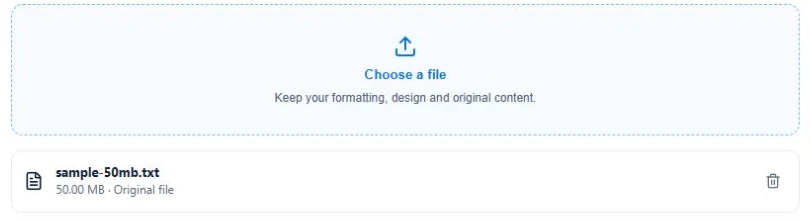
- Open Your content and choose Choose a file to attach the original downloads. Check the formats, file size and storage available in the editor.
- For a course, add modules and lessons. Use supported YouTube or Vimeo links for video lessons. MP4 files that you attach are downloadable files.
- Select Save draft. In Review & sell, open Preview buyer experience to check what the buyer will see, then choose Set up sales page.
Uploading an existing product uses no AI credits or AI project slots. File and workspace storage limits apply.