
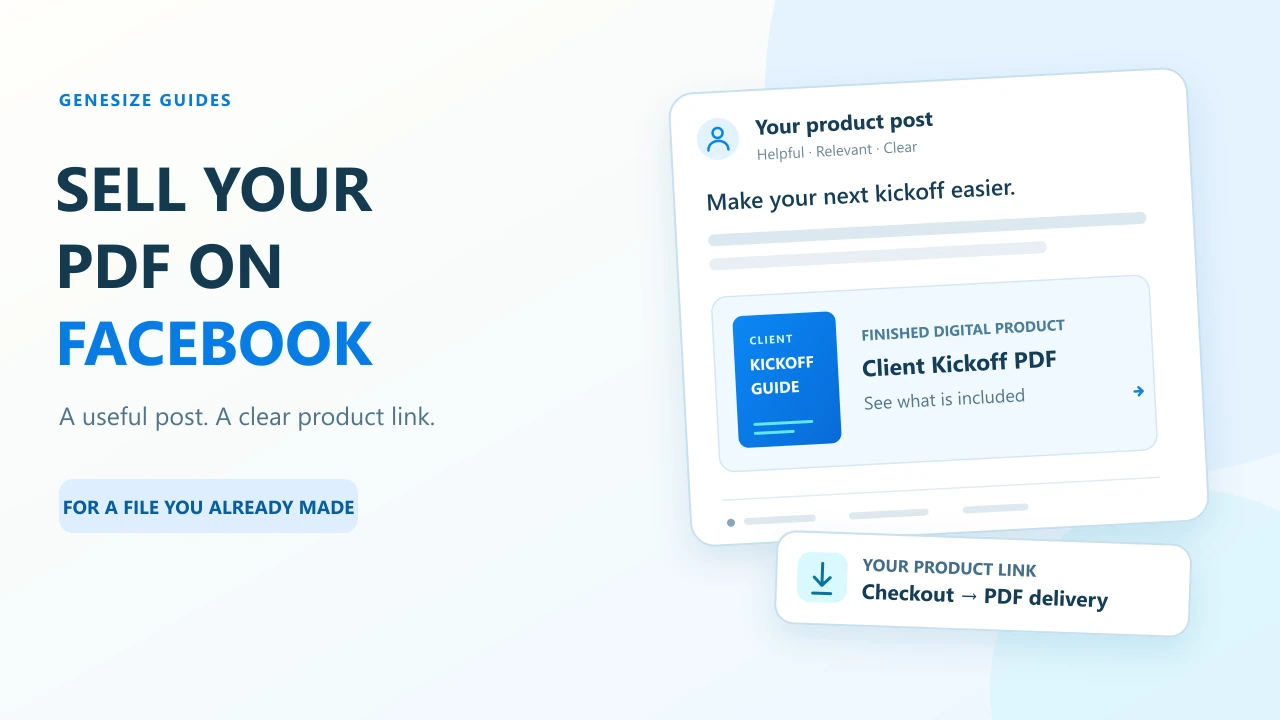
A finished product: the $19 freelancer kickoff PDF
Imagine you already have a guide for freelancers preparing a first client kickoff. Your post should help the reader recognize that problem and judge the PDF before reaching checkout.
The offer used in this walkthrough
- Product
- Freelancer Project Kickoff Guide.
- Who it helps
- A freelancer preparing a client kickoff conversation.
- Contents
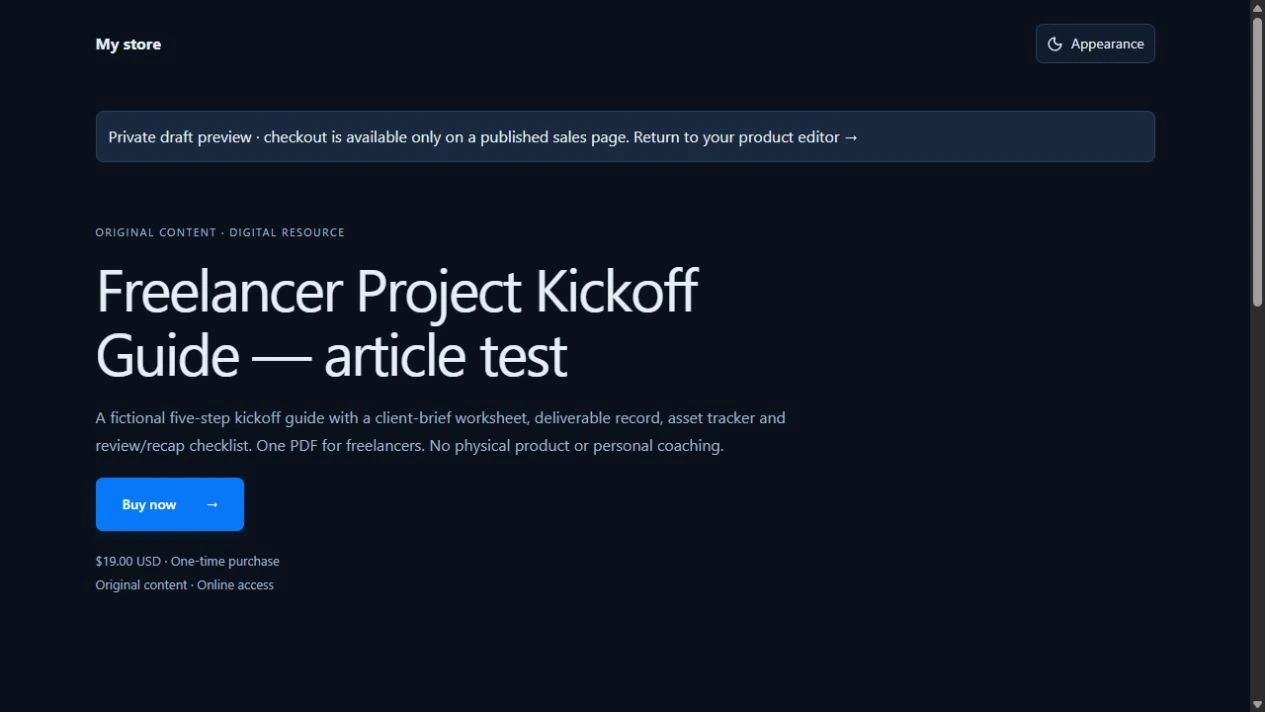
- One ten-page PDF with five kickoff decision steps, a client-brief worksheet, deliverable record, asset tracker and review/recap checklist.
- Example price
- $19 USD, one-time purchase, with any applicable tax shown at checkout.
- Delivery
- A private PDF download after confirmed payment. No physical product, client work or personalized coaching is included.
The sample PDF is a free teaching resource. The $19 offer and post copy are illustrative, not a paid listing, customer result or earnings claim.
Use the editable post planner to record your offer, sample, public link, posting permission and results. It includes three post examples you can adapt before posting anything.
Ordinary promotion is different from a Facebook commerce listing
Meta’s Commerce Policies restrict commerce content offering downloadable digital content, including PDFs. Its commerce overview covers services designed for commerce, including Marketplace and Shops, even when an item is offered free. Do not list the PDF as a physical product, call it free to bypass a restriction or move the same prohibited listing into a buy-and-sell group. Digital-content policy; commerce-policy scope.
This guide uses a different route: an ordinary promotional post, where allowed, links to an external product page. It does not establish that every account, group or post is eligible. Follow current platform and community rules and any limits shown in your account.
Start with a Page you manage or a relevant community you already belong to. Read group rules before promotion and ask an administrator if the permitted route is unclear. Their approval does not waive Meta’s rules. Do not bulk-post the same message, automate unsolicited DMs or join unrelated groups just to drop a link.
Prepare one public page for the product you showed
- In Genesize Studio, choose Add product → Choose file and upload the finished PDF. Review the suggested title in Product details and enter the starting price.
- In Your content, check the original download. Complete the rights confirmation in Review & sell, then choose Continue launch.
- Review the sales page, final price and currency, and complete your seller Stripe setup for a paid offer. Run the buyer checks below, then use Review & publish to publish the reviewed offer.
- Choose Copy sales page link. Open that public page while signed out and confirm it shows this PDF, its price and delivery details.
A specific product link saves readers from hunting through your store. Match the name and sample in the post to the offer. Use the worked sales-page example to check the headline, sample and purchase button.
Free to Sell supports existing-file upload, basic storefront, checkout and delivery without a monthly subscription. AI creation, Growth, CRM and email marketing are excluded. A direct $19 sale has a 10% Genesize fee of $1.90, leaving $17.10 before Stripe processing and other applicable costs. Paid plans have subscriptions and their own fees; see current pricing.
Three Facebook posts for the same finished PDF
Switch into the Page profile you manage and open its post composer. Paste the public product URL, adapt one message below and inspect the destination before choosing Post. Meta’s Page-link instructions cover the controls; availability can vary. Replace every placeholder. These examples promise neither reach nor sales.
Problem-led post
Preparing for a first client kickoff? Write down the deliverables, who approves them and the next deadline before the call ends. The Freelancer Project Kickoff Guide walks through five decisions with a client-brief worksheet, deliverable record, asset tracker and review/recap checklist. One PDF, $19 USD. See the sample and contents: [your public product link]
Sample-led post
Here’s one kickoff question to try: “What needs to be approved before the next stage begins?” I’ve shown a page from the Freelancer Project Kickoff Guide so you can check the format. The five-step PDF includes a client brief, deliverable record, asset tracker and review/recap checklist. $19 USD, one-time download: [your public product link]
FAQ-led post
Is the kickoff guide a course or a physical workbook? It’s a five-step PDF with a client brief, deliverable record, asset tracker and review/recap checklist, delivered after payment. No course, shipped item or personalized coaching is included. Check the sample, contents and $19 USD price: [your public product link]
Use an actual sample image, with private client details removed. If posting in an approved discussion, answer the relevant question before introducing the resource. Do not invent testimonials or imply that the example has already produced customer revenue.
Check the whole handoff, not just the preview card
- Open the exact public product link while signed out. Check the price, sample, purchase button and file description.
- On your saved draft, use Review & publish → Test buyer experience. Complete the simulated checkout and open its private test delivery. No order or charge is created.
- Download the delivered PDF and open it. Where available, a seller can request a test receipt at their own verified email; do not publish that private link.
- Separately open the actual public link inside Facebook on the phone you want to support. Compare the same URL in Safari or Chrome if a step behaves differently.
What we tested: On November 21, 2026, we uploaded this sample to an unpublished Genesize draft, prepared its $19 offer and completed the simulated checkout. After signing out, we opened its private test delivery and downloaded the PDF. Its bytes matched the original sample. This desktop-browser check created no paid order and sent no email. We did not publish a Facebook post or verify Facebook’s in-app browser.
A narrow desktop viewport is a layout check, not a physical-phone or Facebook in-app browser test. A no-charge simulation also does not verify a real Stripe charge or webhook. Read the Stripe download-delivery guide for those separate stages.
Compare two posts without inventing attribution
Start with a Page post and one permitted community discussion, rather than repeating the same pitch everywhere. Record the placement, message, exact link and date in the planner. Free to Sell and Starter users can do this manually without the Growth Agent.
On eligible Scale or Business plans, use two separate saved promotions for a measured comparison:
- Open Growth → Promote and choose the published product and Social post. Generate or review an existing draft; generating uses the usual AI credit confirmation.
- Review the exact Page message and save it with Save reviewed promotion. Copy that record’s unique link.
- Review and save a distinct message for the permitted group placement. Keep its different unique link with that post.
- After manually sharing each message, choose I shared this on its saved record. This begins its fixed seven-day review; it cannot be backdated.
Copying a message does not post it. Reusing the generic Social link does not separate the placements. Follow the saved-promotions walkthrough for the current controls.
Read measured visits, checkout starts and paid orders separately, using the UTC review window and observed-through date. Visits reflect consented browser sessions, not unique people. Missing consent or cross-device use can obscure attribution; “not measured” is not zero. A small sample does not prove that wording caused a sale.
Troubleshoot the step that is actually missing
| Problem | Check | Next step |
|---|---|---|
| The link opens Studio or an unavailable page | Whether the offer is published and the URL is public. | Copy the live sales-page link and test it while signed out. |
| Facebook shows an old title or image | The published page’s preview metadata and Facebook’s cached preview. | Check the public URL with Meta’s Sharing Debugger after publishing the correct page. |
| A group post is pending or declined | Promotion, link and post-approval rules. | Ask the administrator when appropriate; do not repost repeatedly or disguise a commerce listing. |
| The page works in Safari but not Facebook | The actual device, app and failing step. | Compare the same public URL in both browsers and record the error. Do not claim an in-app test from a desktop preview. |
| The shared URL contains private access details | Whether it came from a receipt or buyer test. | Remove it from the public post and replace it with the public product offer. Keep private links private. |
| Checkout or the purchase email fails | Stripe readiness, confirmed payment, access and email status. | Inspect the order before retrying or asking the buyer to pay again; use purchase recovery for missing links. |
| Clicks and store measurements differ | Date ranges, consent, unique links and sample size. | Keep source metrics separate, allow the review window to finish and investigate missing coverage before judging conversion. |
Meta documents how page metadata supplies link previews and provides its Sharing Debugger for inspecting a public URL. Use the webmaster sharing guide; a correct preview card is still separate from successful checkout and delivery.
For the next demonstration, adapt the Instagram examples or Pinterest walkthrough. If you have little traffic, start with the finished-product first-sale plan.
Common questions about selling digital products from Facebook
Can I sell a PDF through Facebook Marketplace?
Meta’s Commerce Policies prohibit commerce content selling downloadable files, including PDFs. Do not create a native Marketplace or shop listing for this PDF or disguise it as physical or free. Use ordinary external-link promotion only where the current platform and community rules permit it.
Do I need my own website to sell digital products from Facebook?
You need a public destination that explains the offer and provides checkout and delivery. It can be a hosted product page rather than a website you build yourself. Link to the specific finished PDF, ebook or template shown in the post, then test that public link while signed out.
Do I need a Facebook Shop or a Genesize Facebook integration?
This outbound-link workflow does not require a Facebook Shop. The ordinary post promotes a public external offer; Genesize handles its checkout and private delivery. This guide does not connect a Meta catalog, product tags or native Facebook checkout.
Can I promote my download in a Facebook group?
Only where both Meta’s rules and the group’s rules permit the promotion. Ask administrators if unclear; their permission does not waive Meta policies. A buy-and-sell listing is different from ordinary discussion. Do not bulk-post or automate unsolicited messages.
Which Genesize link should I put in the Facebook post?
Use the published product’s public sales-page link, or its reviewed saved-promotion link when that feature is available. Do not post your Studio URL, private buyer-test link, receipt link or purchase-access token. Open the destination while signed out before sharing it.
How can I compare a Page post with a group post?
On eligible Scale and Business plans, save two distinct reviewed Social post promotions in Growth → Promote and use each record’s unique link in its own placement. Mark each shared after posting to start its seven-day review. Free to Sell and Starter users can keep a manual posting log. A generic Social link does not separate placements.
What if the link works in Safari but fails inside Facebook?
Test the actual link in Facebook on that device and compare the same public URL in Safari or Chrome. Record the app, device, exact step and error. A standalone browser or narrow desktop viewport test does not verify Facebook’s in-app browser, so do not treat those results as interchangeable.
How does a buyer find the download after closing Facebook?
After a confirmed purchase, buyers can open their receipt’s private link. If it is lost, request a link from My purchases using the checkout email. Sellers can check payment, access and email status under Orders. Keep private links out of public comments.
Your PDF is ready. Give readers a clear way to buy.
Prepare the public offer, test delivery and share one useful demonstration where promotion is welcome.
Explore Free to Sell