
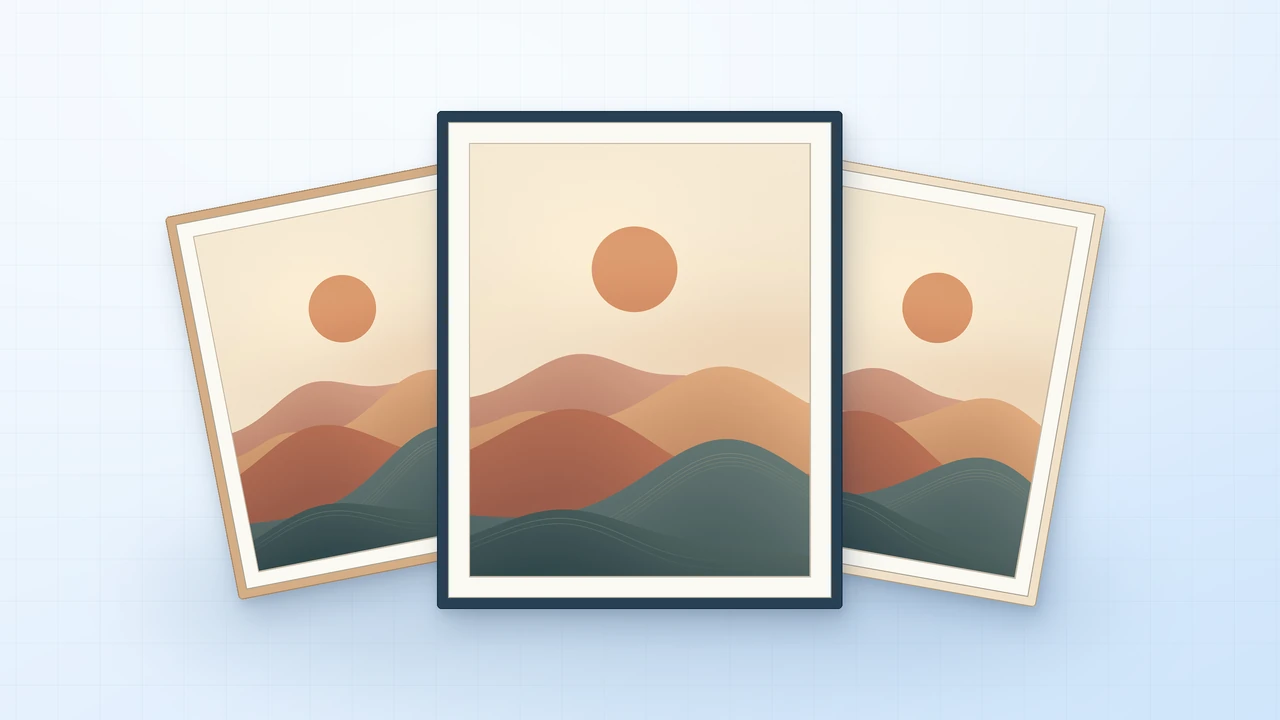
1. Plan the crops around the finished print sizes
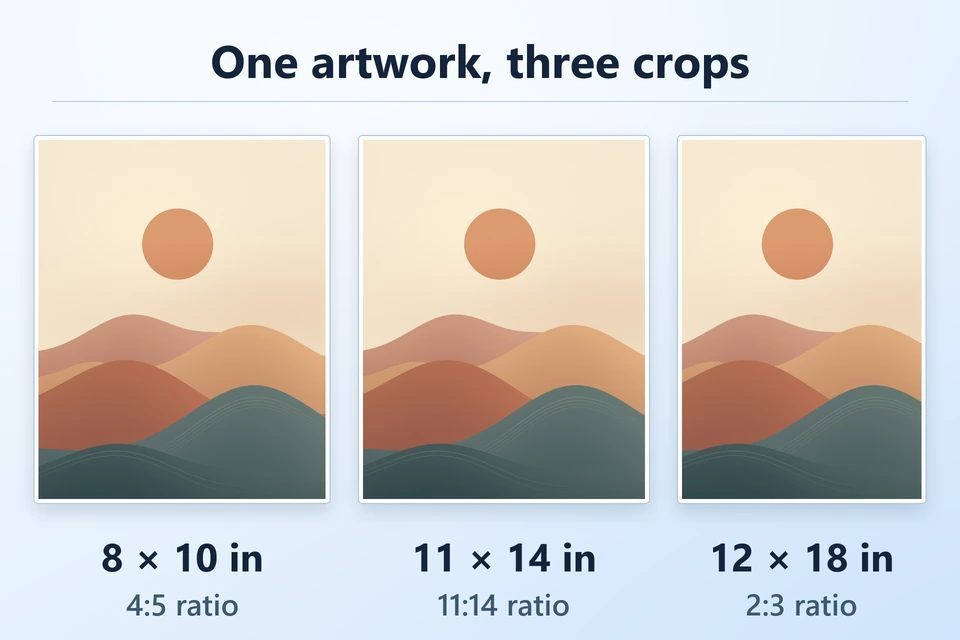
Start with the sizes your buyers will print. The aspect ratio is the relationship between the width and height. Sizes with the same ratio can use the same composition if there are enough pixels for the larger print. An 8 × 10 and a 16 × 20 are both 4:5. An 11 × 14 needs a slightly taller crop.
- Make a crop from the original artwork for each ratio you plan to offer.
- Move the crop until the important parts of the composition sit comfortably inside it. Keep signatures and other details away from edges if the buyer may use a mat.
- Preview the image at the intended print size. A lab may crop a mismatched file to fill the paper, so check the edges in its order preview. Ask the buyer to confirm a frame’s mat opening as well as the advertised frame size.
2. Check pixels at the finished size
Multiply each print dimension in inches by the target pixels per inch (PPI). Use 300 PPI for these examples. Check your lab’s recommendations before promising a specific finish or size.
| Print size | Ratio | Pixels | File to open |
|---|---|---|---|
| 8 × 10 in | 4:5 | 2400 × 3000 | quiet-dunes-8x10.jpg |
| 11 × 14 in | 11:14 | 3300 × 4200 | quiet-dunes-11x14.jpg |
| 12 × 18 in | 2:3 | 3600 × 5400 | quiet-dunes-12x18.jpg |
A 2400 × 3000 image gives you 300 PPI at 8 × 10 inches and 150 PPI at 16 × 20 inches. Changing a resolution label leaves the same number of pixels. If your finished artwork is too small for the size you want to offer, use a higher-resolution original or offer a smaller print. Adobe’s print resolution guide
3. Give buyers a clear file for each size
Export high-quality JPGs with an embedded color profile. Use the format and profile your intended lab accepts. If you include a PDF for home printing, set its page size and margins deliberately and check its print preview at actual size. Add a Start Here note that maps each file to its print size, explains how to extract the ZIP, and tells buyers what they can do with the files. Bay Photo’s accepted formats and profiles
Try the Quiet Dunes sample ZIP
Includes three original JPG crops, a size chart, print instructions, and personal-use sample terms.
The sample files were checked digitally for their exact pixel sizes, resolution metadata, and color profile. A physical print has yet to be verified.
4. List the download with the sizes beside the price
Show a flat preview of the artwork and label any mockup. Put the included sizes, file type, and print instructions where shoppers can find them before checkout. State clearly that the listing is a digital download. If you show a mockup of a framed print, spell out what comes in the ZIP.
Example listing description
“Quiet Dunes digital download. Includes JPGs for 8 × 10, 11 × 14, and 12 × 18 inch prints at 300 PPI, plus a Start Here note. Unzip the download and pick the file named for your print size.”
An Etsy instant-download listing accepts up to five files at 20 MB each, including JPG and ZIP. If you share a direct link from a portfolio or social profile, use a hosted product page where buyers can pay and download the file. Etsy’s digital listing requirements · Genesize’s Etsy walkthrough
5. Download the buyer’s copy before sharing the link
- In Genesize Studio, choose Add product → Choose file and select the ZIP. Review the suggested title and saved attachment in the private draft.
- Open Review & publish and select Test buyer experience. Complete the simulated checkout, open test delivery, and download the file under Included downloads.
- Extract the downloaded ZIP into a new folder. Open the note and choose a file by print size. Inspect the exact file in a print preview, then connect Stripe and test payment separately before publishing a paid listing.
In an isolated Free to Sell test, Genesize’s draft delivery returned a byte-for-byte copy of the Quiet Dunes ZIP. We extracted it and verified that all three JPGs and the Start Here note matched the originals.
Common questions about selling printable wall art
What size should printable wall art files be?
Start with the finished sizes you can support. At 300 pixels per inch, an 8 × 10 inch print needs 2400 × 3000 pixels, an 11 × 14 print needs 3300 × 4200 pixels, and a 12 × 18 print needs 3600 × 5400 pixels. Ask the print service what it recommends for your paper and size.
Can one JPG fit both 8 × 10 and 11 × 14 frames?
An 8 × 10 print has a 4:5 aspect ratio. An 11 × 14 print has an 11:14 aspect ratio. You can fit one image inside both sizes with borders, or supply a separate crop for each so buyers can fill the print without stretching it.
Is JPG or PDF better for printable wall art?
Use a high-quality JPG with an embedded color profile for a lab that accepts it. A PDF can help home printers when it has the exact paper size, margins, and layout you want. Check what your intended printer accepts and test each file you promise.
How do buyers print a wall art ZIP file?
They extract the ZIP, use the Start Here note to choose a file for their print size, and upload that JPG to their print lab or open it in their print software. Ask them to check the crop, paper size, and margins in the preview before ordering or printing.
Have your printable artwork ready?
Upload the finished ZIP, check the buyer’s download, and share your product link.
See Free to Sell