
Open My purchases
You can access your digital products using the email you entered at checkout. A Genesize account is optional for this process.
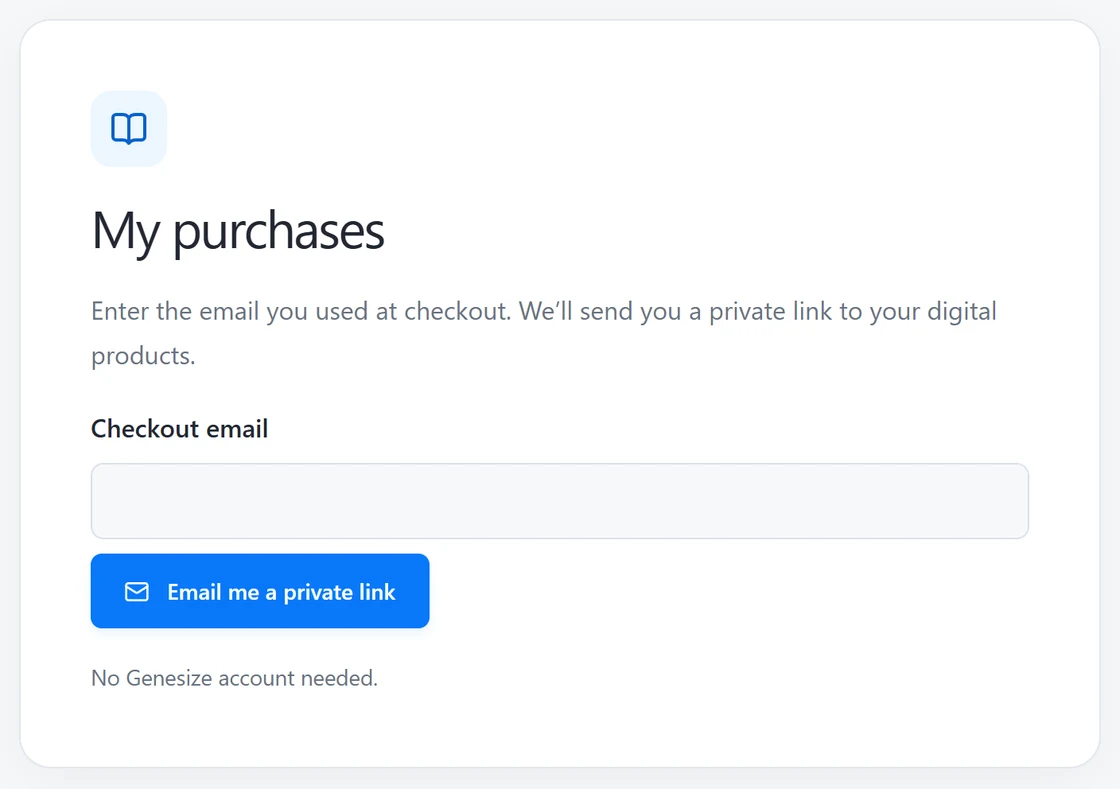
- Go to My purchases. In Checkout email, enter the address you used to buy the product.
- Choose Email me a private link. Check your inbox and spam folder.
- Open the link in the email and choose Open my purchases. Find the product and select Open purchase.
If a purchase is missing
Try the email shown on your receipt. If you used a different address for another purchase, request a link for that address as well.
Keep your private access link to yourself. For a community membership, use the access instructions in your membership email.