
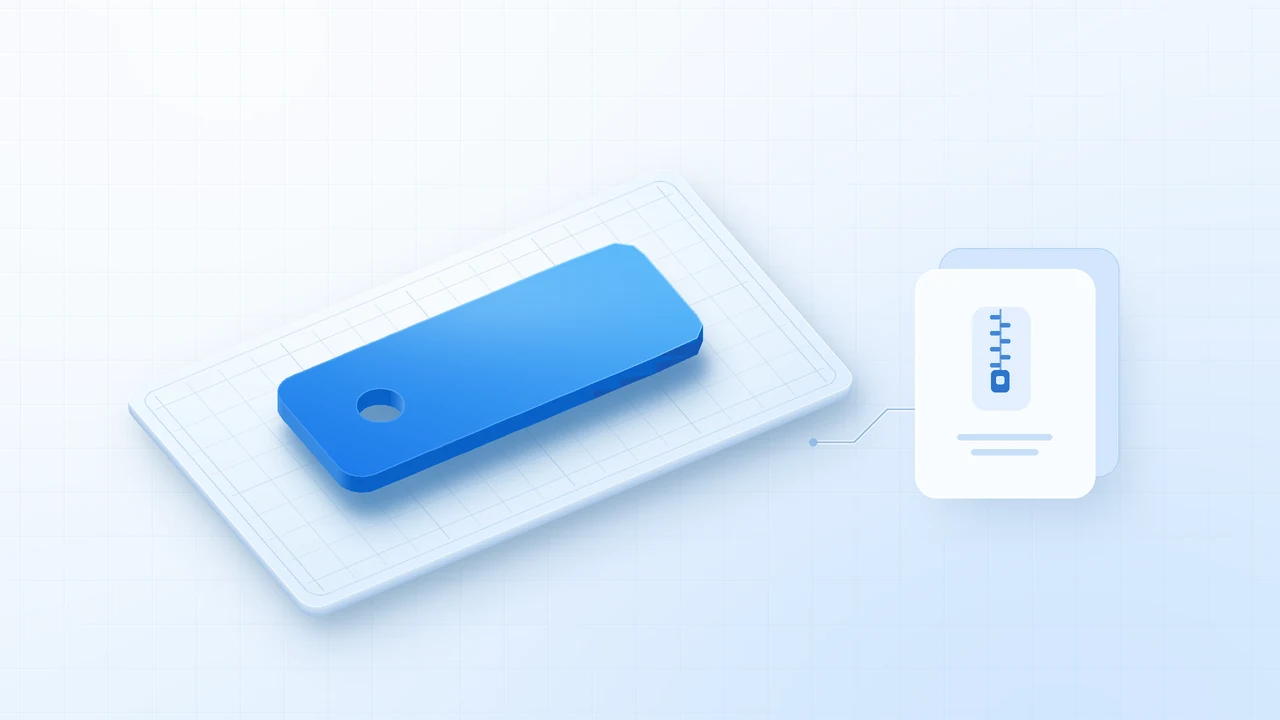
1. Choose between STL and 3MF
Start with an STL for each part so buyers can import the model and choose their own printer and material. An STL carries the mesh geometry. Put the intended dimensions and print instructions in a separate note.
Add a 3MF project when a tested arrangement, modifiers, or profile would save buyers work. Label it with the slicer and profile you used. Opening a project can load its saved machine and print settings, so buyers should confirm their own setup before slicing. Open both exports independently. Prusa’s 3MF project guide
2. Check the exported model at the intended size
STL coordinates don’t declare units. A 2-inch part should measure 50.8 mm across after import. If the dimensions differ, check the export units and reopen the file before changing the scale in your slicer. Autodesk’s STL scaling guide
- Extract the final ZIP. In PrusaSlicer, import the STL from the extracted folder.
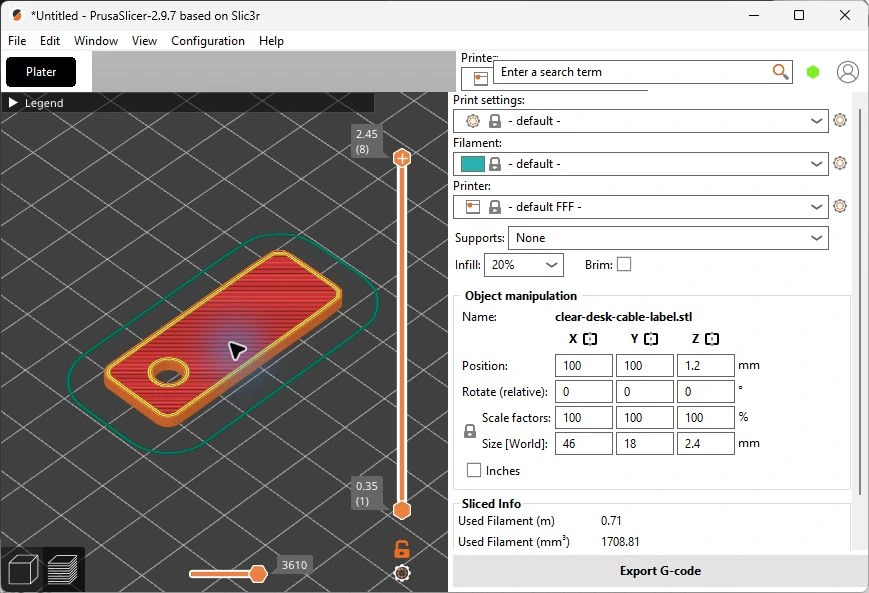
- Select the model and check its X, Y, and Z dimensions. For the cable label, expect 46 × 18 × 2.4 mm at 100% scale.
- Choose the intended printer, nozzle, and material. Slice the model, then move through the preview layers. Check for missing fine details, disconnected regions, and places that need support.
- Before selling a design as print-tested, print the same revision you plan to ship. Measure critical dimensions and check the fit, especially holes or mating parts.
3. Put the model, print notes, and terms in one ZIP
Name parts by what they do. For an assembly, list which parts to print, quantities, and how they fit together. Give buyers the expected dimensions, bed orientation, and the settings you tested. State what buyers may do with the model or the physical prints.
| File | What the buyer gets |
|---|---|
clear-desk-cable-label.stl | One rounded label tag with a nominal 5.2 mm through-hole. |
print-notes-and-sample-terms.txt | The expected dimensions, orientation, and personal-use terms. |
Download the Clear Desk sample ZIP
Unzip it, open the original STL in your slicer, and check it against the print notes.
4. Choose a marketplace or your own product link
A 3D-print marketplace such as Cults3D gives people a place to browse models. Etsy supports up to five files of 20 MB each for instant digital listings, including STL and ZIP. A hosted product page lets you send buyers straight to one model from a tutorial, portfolio, or social profile. Cults3D creator instructions · Etsy digital listings
On the listing, show the finished model, its dimensions, its intended print process, and all included files. Put “digital STL download” near the price. Use photos of your print when available and label any renders or slicer previews.
5. Upload the ZIP and open the buyer’s download
- In Genesize Studio, select Add product → I already have a product → Files & digital downloads. Attach the ZIP and save the draft.
- Open Review & publish and choose Test buyer experience. Complete the simulated checkout, open test delivery, and download the ZIP under Included downloads.
- Extract the downloaded copy to a new folder. Confirm the filenames, open the print note, and load the STL in your slicer. Connect Stripe and verify your payment setup before publishing a paid offer.
In an isolated Free to Sell test, the simulated checkout delivered a byte-for-byte copy of this sample ZIP. The test used the draft delivery flow.
Common questions about selling STL files
What should I include in an STL download?
Include the original STL for each part, the intended dimensions in millimeters, a short print guide, and clear usage terms. Add an optional 3MF project if you have tested it and can name the slicer and profile it was prepared for.
Why is my STL the wrong size after import?
STL stores geometry without a unit declaration. Export again using millimeters, open the exported file in your slicer, and compare all three dimensions with the original model. If the model is already the expected size, leave its scale alone.
Can I sell STL files on Etsy?
Yes. Etsy accepts STL and ZIP for instant digital listings and allows up to five files at 20 MB each. Upload work you made or designed, and tell buyers what to open after extracting a ZIP.
Can I sell an STL from my own product page?
Yes. Package the model in a ZIP with the print notes, attach it to an uploaded digital product, and test the buyer download. Genesize Free to Sell provides a hosted product page, Stripe checkout for paid sales, and file delivery.
Have a 3D model ready to sell?
Upload the finished ZIP, test the download, and share your product link.
See Free to Sell