
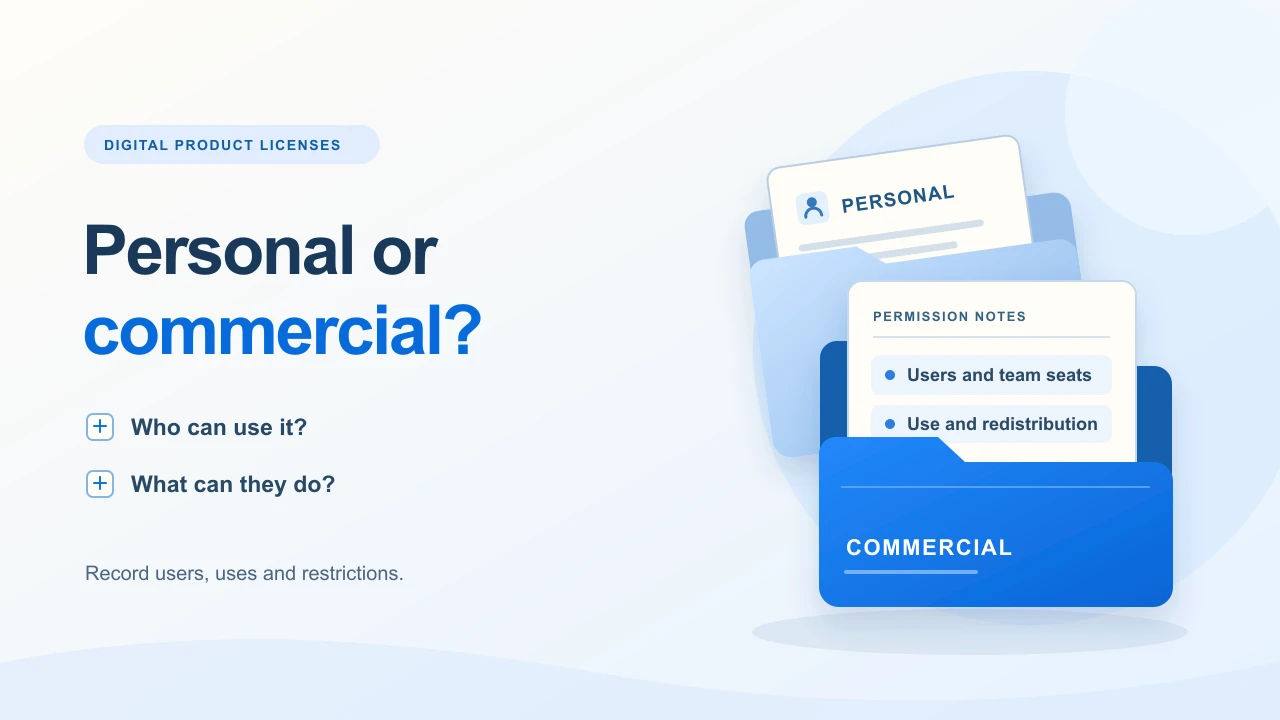
Personal vs commercial use: start with the buyer’s activity
A buyer asking “Can I use this for work?” may mean using it privately, sharing it with colleagues or giving editable copies to clients. Those requests need different answers.
| Activity | Example | What to make explicit |
|---|---|---|
| Personal use | Reading an ebook or using a planner outside a business. | Define the permitted activity, users and copies. A personal label does not answer whether business use is allowed. |
| Internal business use | A freelancer uses an agenda to organize their own work. | State which business and people may use it. Internal use does not by itself grant client handoff or resale rights. |
| Client work | A service provider adapts a template for a paying client. | Specify finished output versus editable files, permitted projects and who needs their own permission. |
| Redistribution or resale | Someone supplies your blank template, source files or a revised kit to others. | Address this separately. Permission to use a product commercially is not automatically permission to redistribute the underlying product. |
WIPO explains licensing as permission to use intellectual property while ownership is retained, and distinguishes it from assignment of ownership. Its guidance also notes that agreement requirements vary between countries. That distinction helps you avoid treating a file sale as a transfer of copyright ownership.
Marketplace names are not universal standards. For example, Creative Market’s own license categories have platform-specific permitted activities and limits. Do not copy those labels and assume their conditions apply to your store.
Map the permissions before writing the final terms
List the files, asset sources, intended users, client handoffs and unresolved questions. The worksheet organizes decisions; it does not create a binding license or certify your rights.
Open the license plannerNo signup required. Print from your browser or download the plain-text worksheet.
Scope: this is a practical planning guide, not jurisdiction-specific legal advice or a ready-to-sign contract. Have the final terms, presentation and any acceptance process reviewed for your product, customers and applicable law.
A fictional $29 Client Kickoff Kit
Imagine an original kit containing a guide PDF, an editable meeting-agenda DOCX and a checklist PDF. The creator wants a freelance business to use it for its own client process. The $29 price is illustrative, not evidence of demand or a recommended license price.
- Internal use: this example chooses one named user within one business. That is an illustrative decision, not a universal rule or permission for a whole team.
- Client output: the creator intends to permit a completed agenda PDF to be given to that business’s client.
- Reusable files: handing the blank DOCX to a client, sharing a template library or reselling the kit needs a separate explicit decision.
Those decisions are a brief for reviewed wording, not a complete agreement. Download the sample product usage summary to see how the planning questions can accompany a README. It is not a binding license to attach unchanged to a real sale.
Compare the file-pack and product-bundle delivery routes. Packaging several files together does not automatically harmonize their permissions.
Check every included asset before granting rights
Make an inventory of your writing, layouts, photographs, icons, fonts and other contributors’ material. For each outside asset, record its source, applicable terms and the use your buyer needs. Retain your purchase or permission records.
Ask whether permission covers a finished output, inclusion in editable source files, delivery to a client or redistribution as part of another product. A design can be permitted for one route without being permitted for all of them.
- Fonts: distinguish using a font in your design from bundling its installable files. Check embedding and redistribution separately.
- Stock images and icons: check the asset’s actual terms for editable templates and extractable components.
- Contributed material: clarify your permission to sell and license it onward; paying for work does not answer every rights question.
If the permission is unclear, ask the rightsholder, replace the asset or narrow the planned use before launch. Your own “commercial use allowed” sentence cannot expand someone else’s license.
Canva templates need an upstream-rights check
Canva’s current selling guidance says templates containing Pro Content must be sold as Canva template links, rather than as PDFs or other file types. A finished ebook is treated differently from a template intended for further customization. Canva also restricts standalone resale of its library content. Check the design’s assets and the current Content License Agreement; a Canva subscription is not ownership of its library.
For packaging and delivery, follow the Canva template delivery guide. Review permissions before choosing the download format.
Decide six things the buyer should not have to guess
- Who may use it? Identify the buyer, organization, authorized users and whether others need separate permission.
- What may they do? Describe internal work, client work and permitted finished outputs in concrete terms.
- What may they share? Separate a completed deliverable from reusable source files, public links and template-library access.
- What limits apply? Specify any projects, users, distribution, attribution or other conditions you actually intend, subject to upstream rights.
- What is included? State required software, external assets, exclusions, support and any promised updates.
- How are questions handled? Give a support route and decide when a buyer needs different permission.
A vague “extended license” is not a substitute for these answers. If a buyer needs wider use, clarify the requested activity and check your rights before making a separate offer. A higher price alone does not resolve the permission gap.
Show the usage information before payment, then deliver a copy
In Genesize, you prepare the product and permissions yourself. The platform provides the selling and supported delivery workflow; it does not turn your wording into a reviewed legal agreement.
- Prepare the files. Add your own README, reviewed terms or usage document to the finished product. Supported TXT, PDF or ZIP files can carry that information.
- Explain the offer before checkout. Put the relevant plain-text permissions in the Full sales description, What’s included or FAQ. Do not rely only on a document buyers discover after paying.
- Check the presentation. Read the public page as a buyer. These fields are not a custom HTML license screen or an automatic acceptance process. The short checkout description is not the place to depend on a complete agreement.
- Test delivery. Use the supported buyer-test flow to open the exact included files, including the usage document. Keep a simulated delivery check separate from a real payment or legal acceptance.
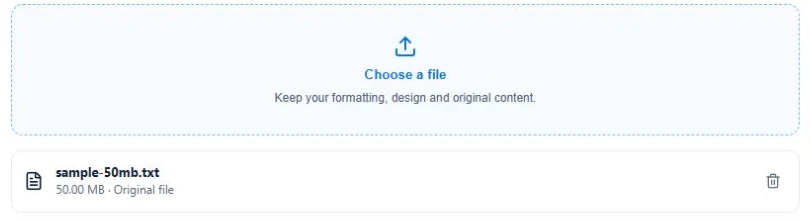
If you already have a ready product, Free to Sell is one route to upload and sell it. Rights checks happen outside the app. Use the template sales-page example and launch checklist to connect clear permissions with a clear offer.
Delivering a README does not prevent copying. Do not promise buyers that an ordinary file sale automatically adds DRM, generates license keys or records legally sufficient agreement to your terms.
Keep the purchased edition and permission record distinct
Give the usage document a date or version that matches the offer you reviewed. Keep your own copy of the product-page wording and delivered terms for that sale. This practical record is not an automatic license-acceptance audit.
Genesize purchases retain their purchased published edition when you later edit the product. That delivery behavior does not determine every legal question about changing terms. Do not assume a new README or sales-page edit retroactively changes earlier buyers’ permissions; the agreement and applicable law matter.
If you promise updates or later offer broader permissions, explain eligibility and delivery separately. Check that the revised assets support the revised use before publishing the next offer.
Common digital product license questions
What is the difference between personal and commercial use for digital products?
Personal use often describes individual, non-business activities; commercial use may permit specified business activities. These are labels, not complete permissions. Read the actual terms for users, client work, finished output, editable files and redistribution, alongside any third-party restrictions and applicable law.
Does a commercial license let a buyer resell my template?
Do not assume so. Using a template in a business, handing a finished result to a client and selling the editable template itself are different activities. Your reviewed terms should explain which are permitted, and you must have the underlying rights to grant those permissions.
Can I allow client work without allowing redistribution of my original files?
You can plan different permissions for a finished client deliverable and the reusable source template. Define the actual handoff, people, projects and third-party assets involved. Have the final wording reviewed for your situation rather than relying on the word commercial alone.
Can I sell templates containing Canva Pro Content?
Canva’s current guidance permits Pro Content in templates sold through Canva template links, not templates sold as PDFs or other file types. Check its current Content License Agreement and the assets in your design before choosing the delivery route.
Does buying a digital download transfer its copyright?
Not automatically. WIPO distinguishes permission to use intellectual property under a license from an assignment transferring ownership. The transaction’s actual terms and applicable law matter. Do not describe an ordinary download purchase as a copyright transfer unless that is deliberately arranged.
Does Genesize automatically enforce my product license?
No. You can show usage information in your product description and deliver your own README or reviewed terms with supported files. This is not automatic license enforcement, a license-key system, a mandatory acceptance checkbox or an audit proving agreement to your terms. You manage the permissions and any needed legal review.
Sources and scope
Reviewed November 18, 2026. Sources: WIPO on assignment and licensing, Canva’s product-selling guidance, Canva’s Content License Agreement and Creative Market’s own license categories. Provider terms can change; check the relevant terms for your assets and intended use.
The $29 kit and downloadable summary are planning examples. The screenshot shows a generic Genesize upload, not legal approval or license enforcement. This guide supplies a decision process, not a universal contract or jurisdiction-specific ruling.
Make the buyer’s next use clear
Start with the finished product and the activities you can actually permit. Resolve the open rights questions, review the wording and show it before the buyer pays.
Open the free license planner