
Choose a tier and payment option
- Open your community and go to Plans & resources. Create or select a tier and review its included spaces and resources.
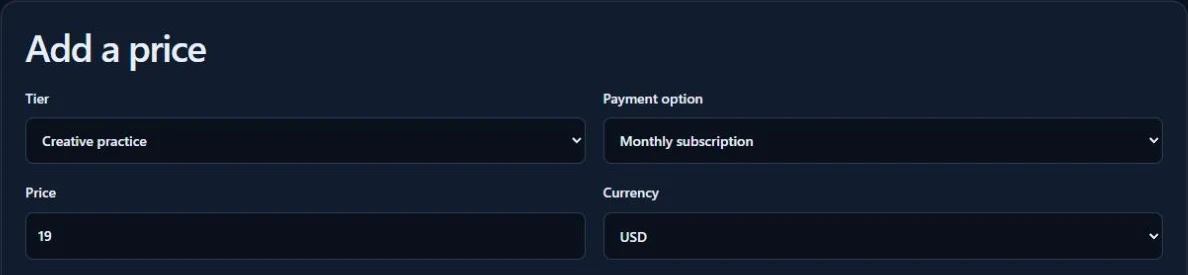
- Under Add a price, select the tier and choose Free access, Monthly subscription, Annual subscription, or One-time payment.
- For a paid offer, finish your Stripe setup in Storefront. Review the amount and membership terms before publishing.
Check what members get
Choose the published Genesize products the tier includes. If file uploads are available in the tier editor, use Upload file for documents you have permission to share.
Review the offer from the member’s side before sharing the join link.